
Autopilot overview
Autopilot keeps your blog publishing without you planning every article. It finds what your customers search for, plans four weeks of topics at a time, writes each article in your brand voice on the day it's due, and publishes it to your site, with as much or as little approval from you as you like.
Before you start: Autopilot is included on the Growth plan and above. It works best with a connected site (WordPress, Webflow, Shopify and others) and Google Search Console.
How Autopilot works
Plans: finds topics from real search demand, four weeks at a time.
Writes: writes one article on the day it's due, using your preset.
Waits for you: you approve, skip or reschedule. Nothing publishes until you approve it, unless you tell Autopilot to publish on its own.
Publishes: sends the article live to your connected site.
To start, open Autopilot in the sidebar.
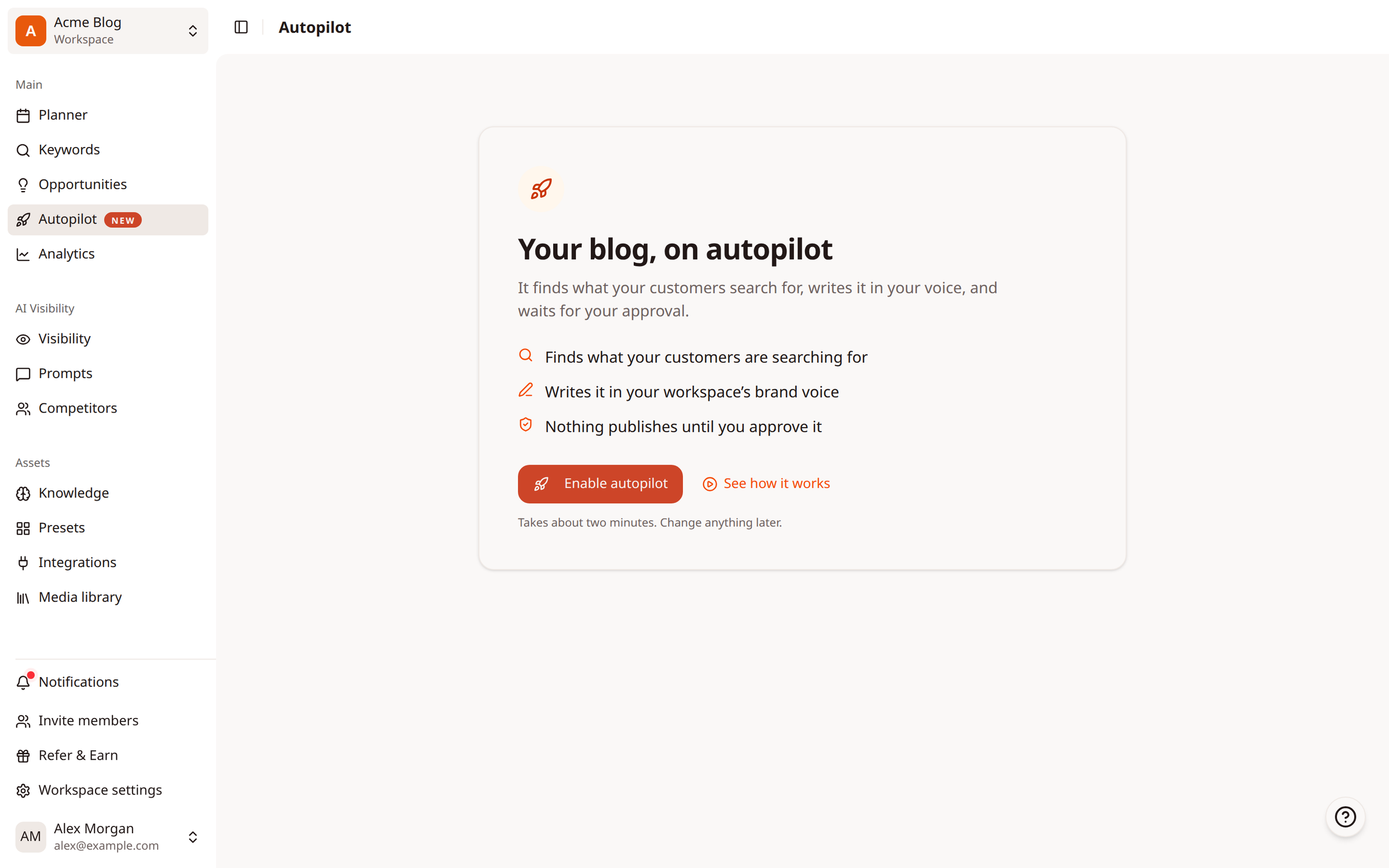
What you see once it's running
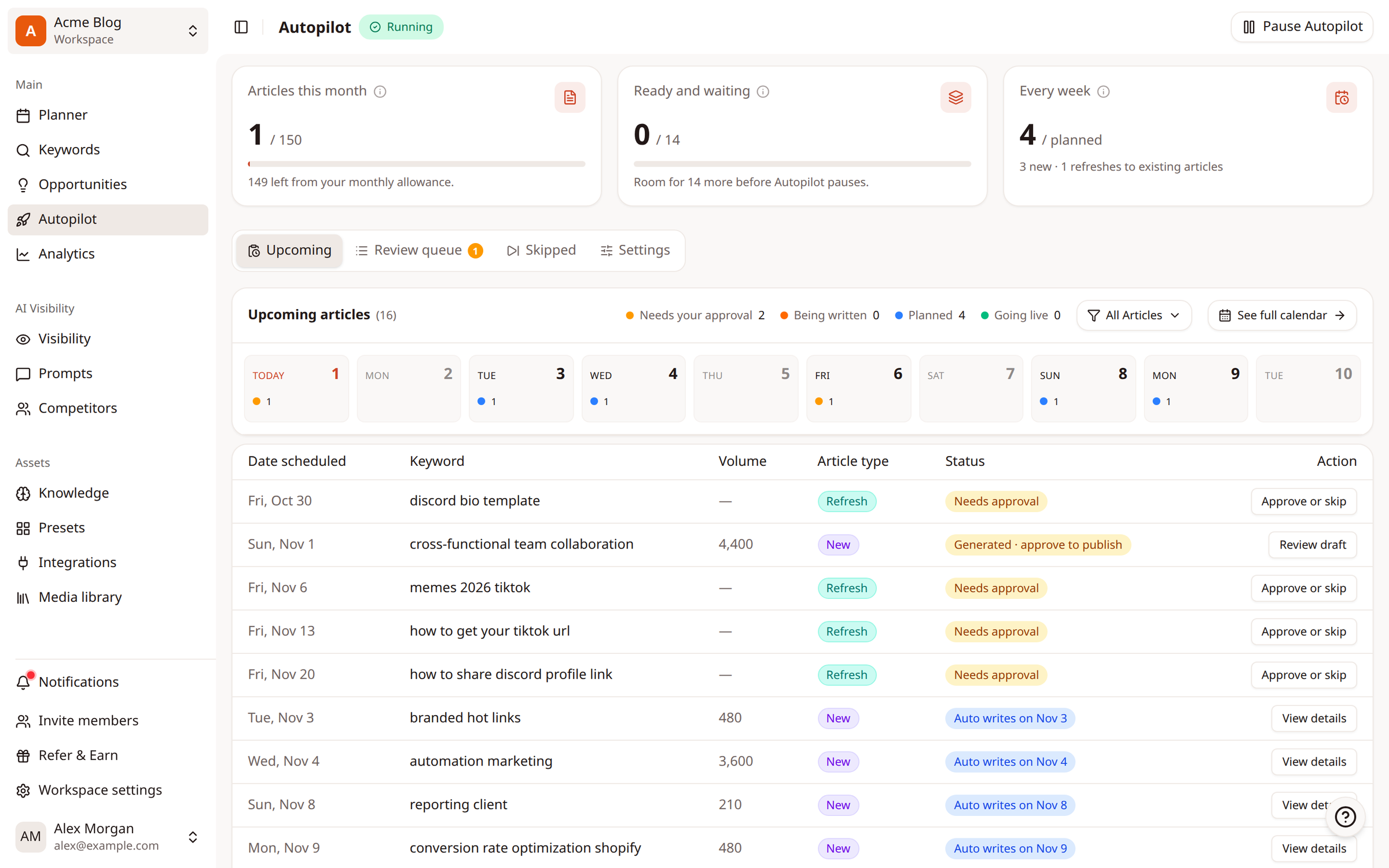
Articles this month: how much of your account's monthly article allowance is used, by Autopilot and by articles you write yourself.
Ready and waiting: articles written but not yet published. Autopilot pauses writing when this fills up.
Every week: how many new articles and refreshes it plans each week.
Upcoming: every planned article with its date and status.
Review queue: drafts waiting for your approval.
Skipped: topics you skipped. You can put any of them back.
Settings: writing style, where it publishes, how often, and how much it does on its own.
Next steps
Was this article helpful?